Migrate Legacy Funds to IOTA Wallet
To migrate your legacy IOTA funds to the IOTA Wallet you first have to install the latest version of the IOTA Legacy Migration Tool.
::: warning Legacy Funds
Legacy funds are funds that were held in the Trinity Wallet. If you already used the Firefly Wallet this guide does not apply to you and you should use this guide instead.
:::
- Open the IOTA Legacy Migration Tool
- Click on continue

- Select the type of import you want to use:

- Seed
- SeedVault
- Ledger
- Enter your legacy seed and press continue

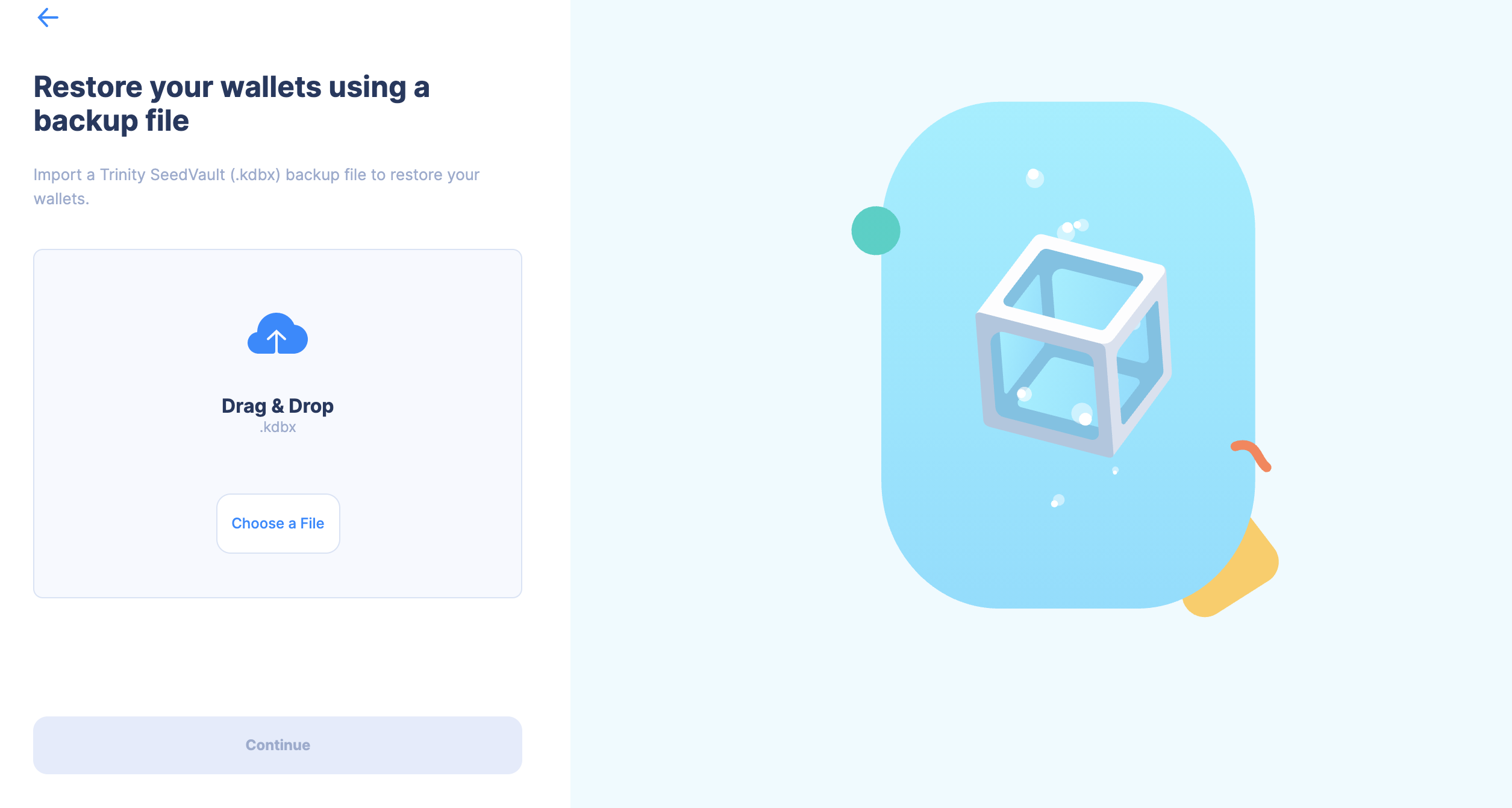
- Drag and drop your SeedVault file or click to select it from your file system, then press continue.
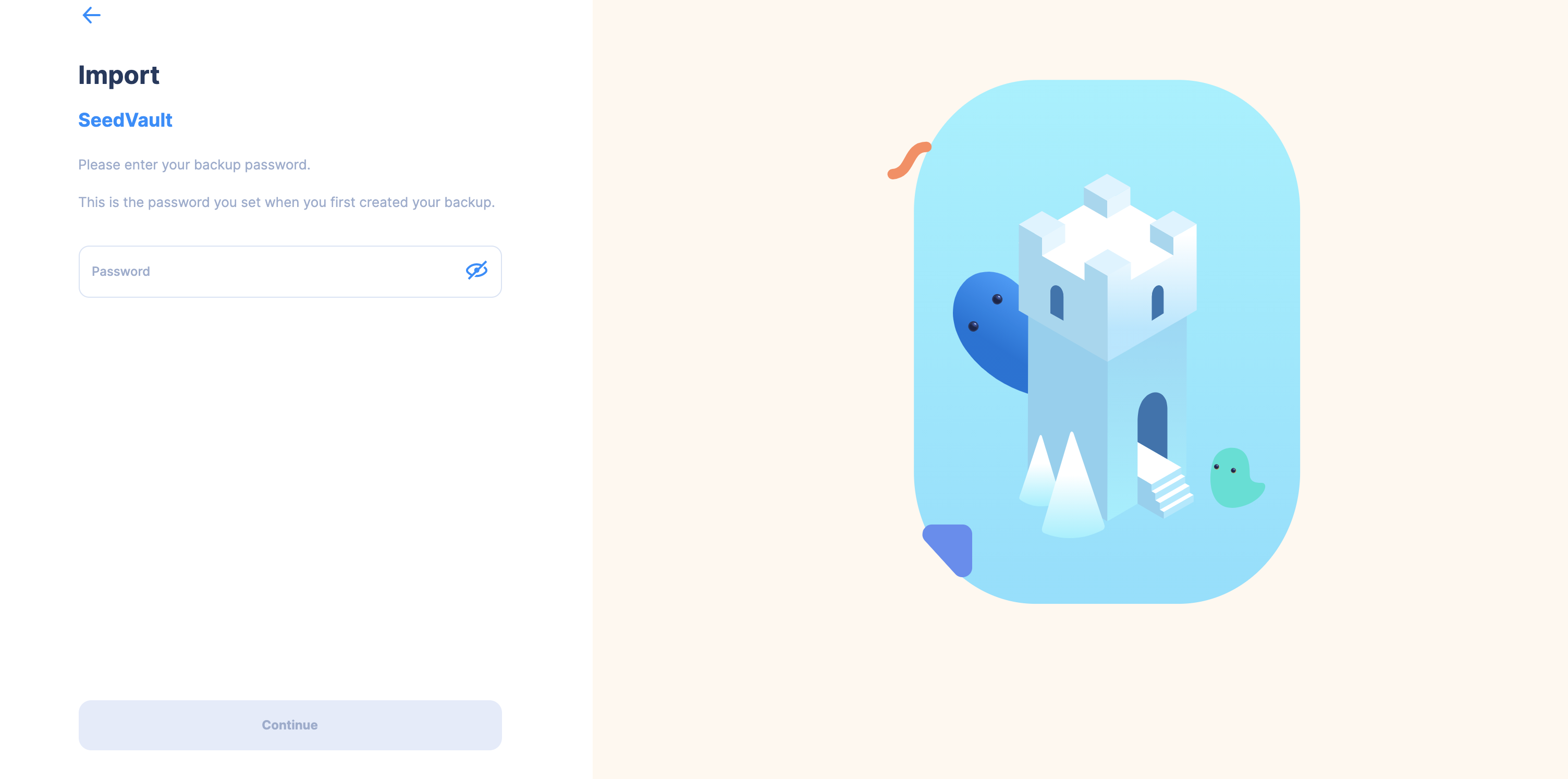
Enter your password for the SeedVault and press continue.
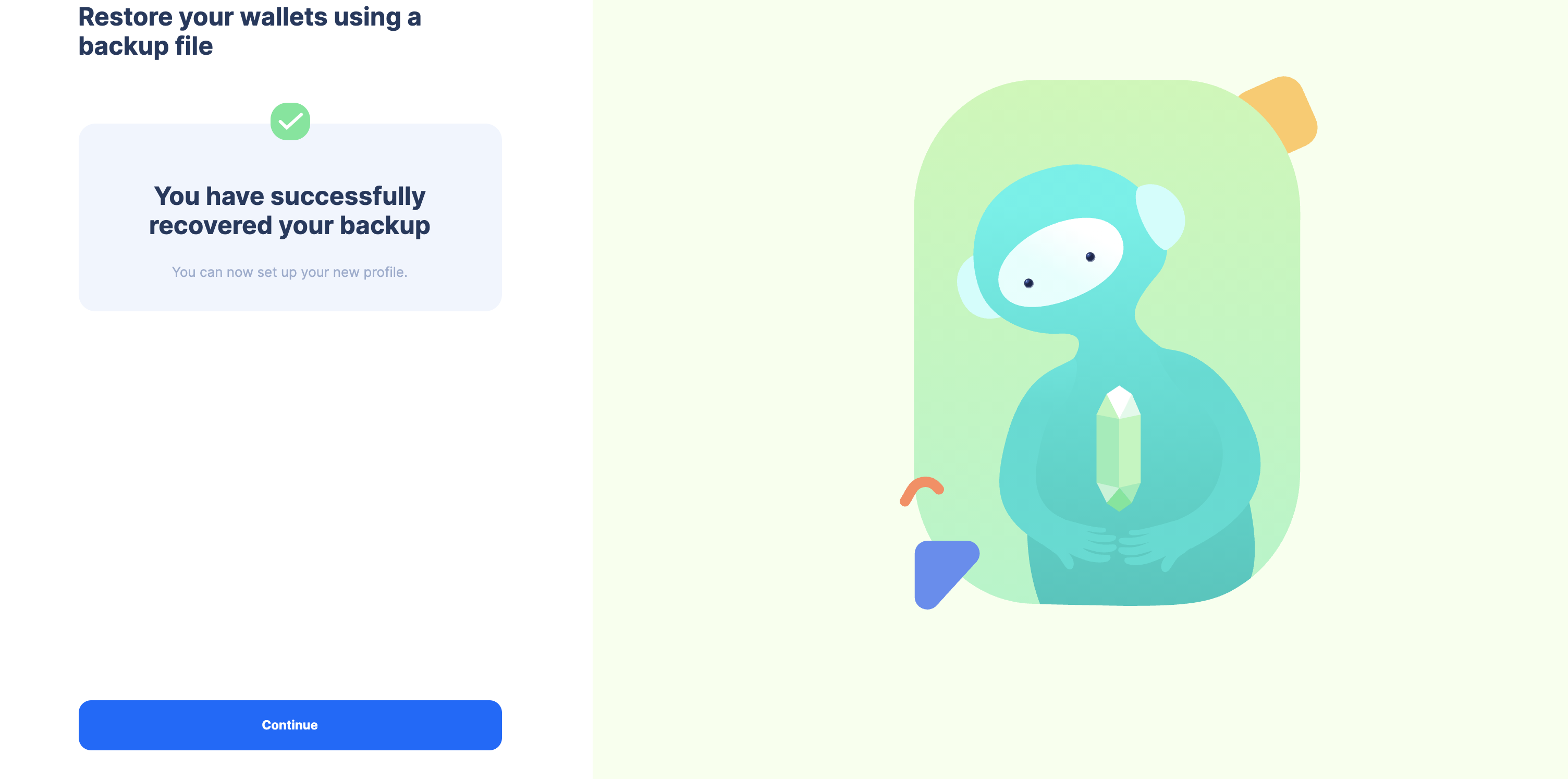
Importing the SeedVault is complete and you can continue with the migration by pressing continue.
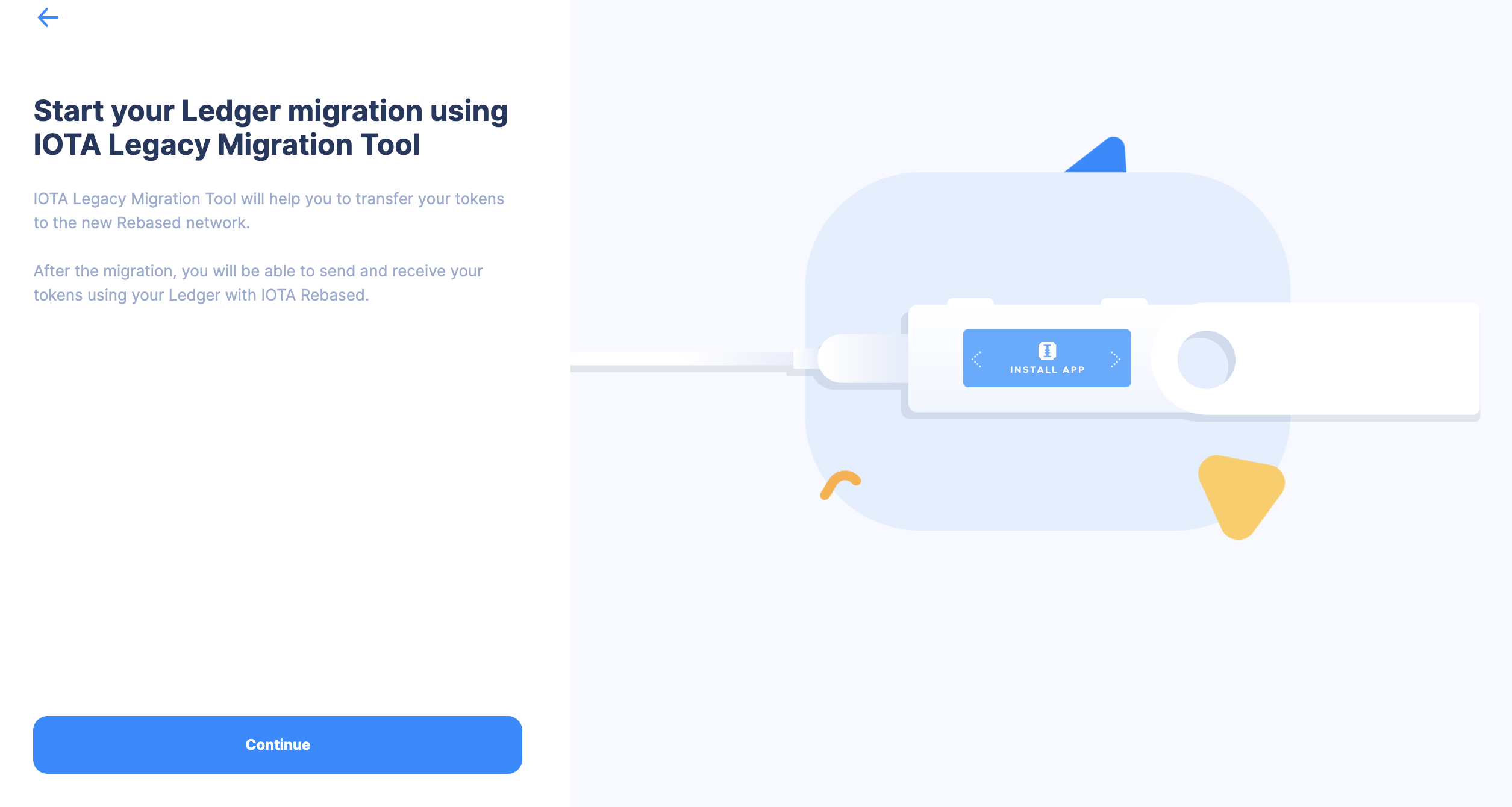
- Connect your Ledger device with the IOTA Legacy app open and press continue.
- Search for your balance until you see the correct amount and press continue.


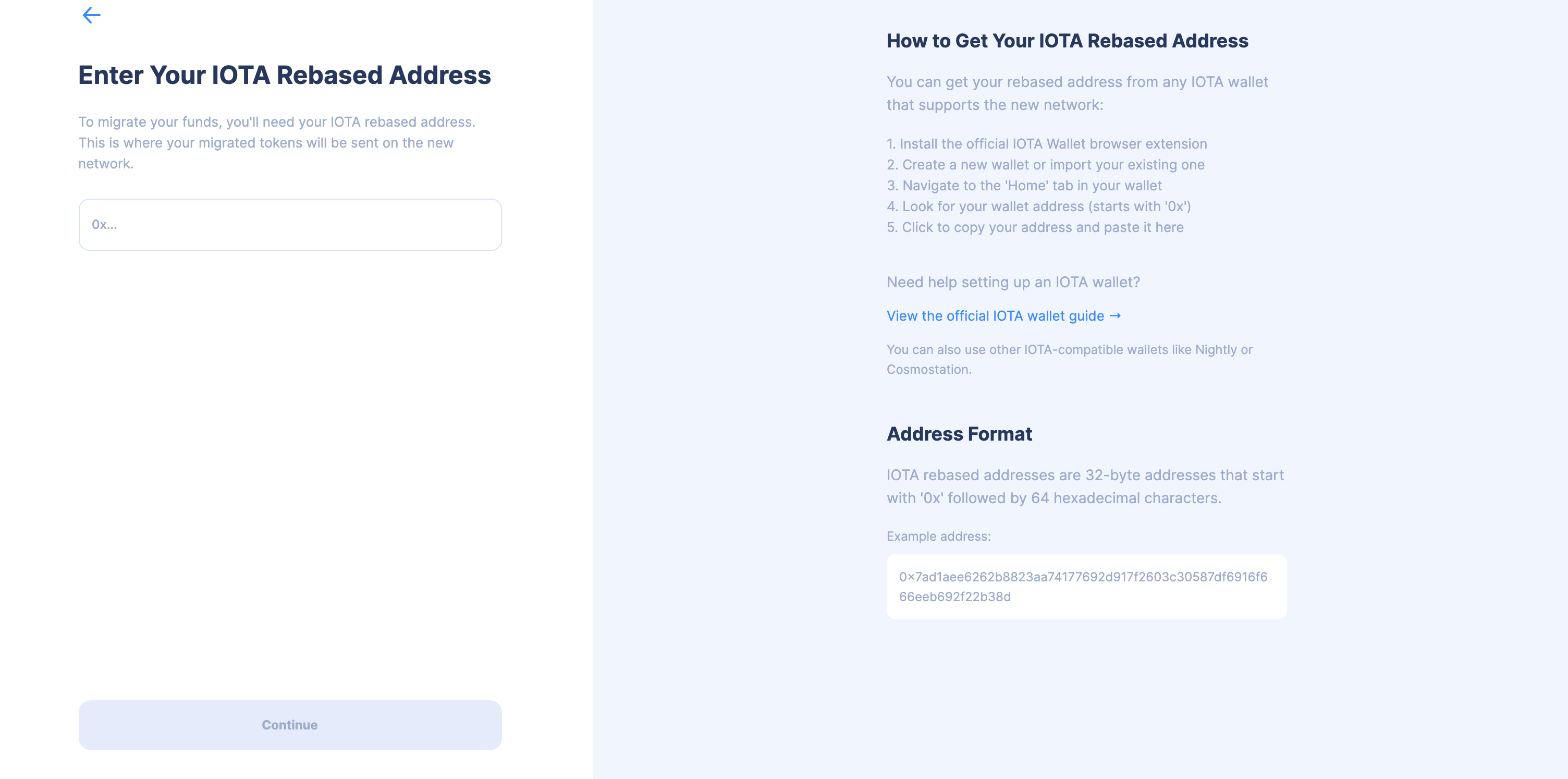
- Enter your new Address where you want to send your claimed legacy funds to and press continue.
- Depending on the distribution of your legacy funds, you can either migrate them in a single transaction or in multiple transactions:
- Single Transaction Migration
- Multiple Transaction Migration
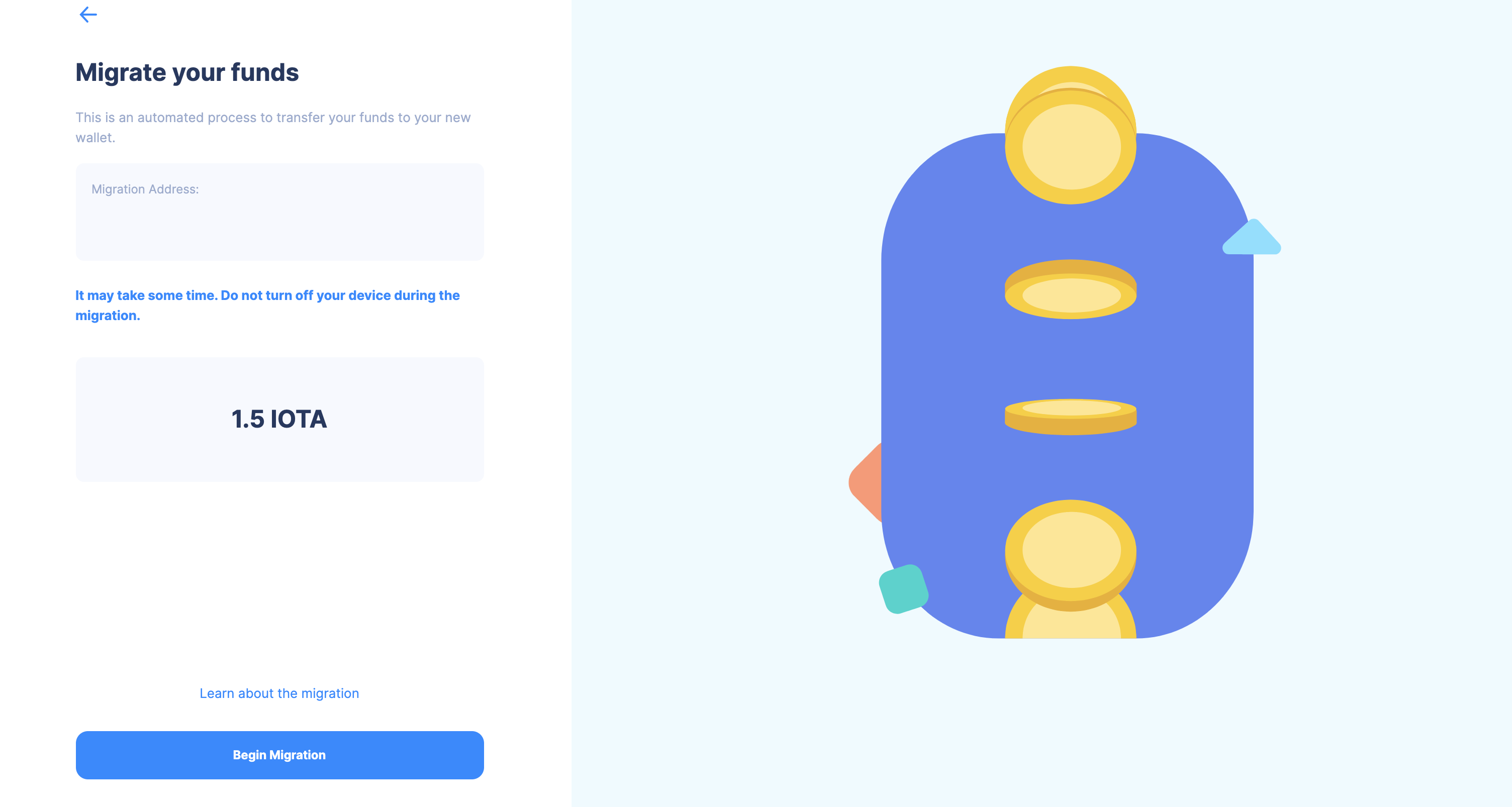
In this overview you can check everything again. Click on "Begin Migration" to start the migration.
In this overview you can check everything again. Click on "Migrate funds" to start the migration.
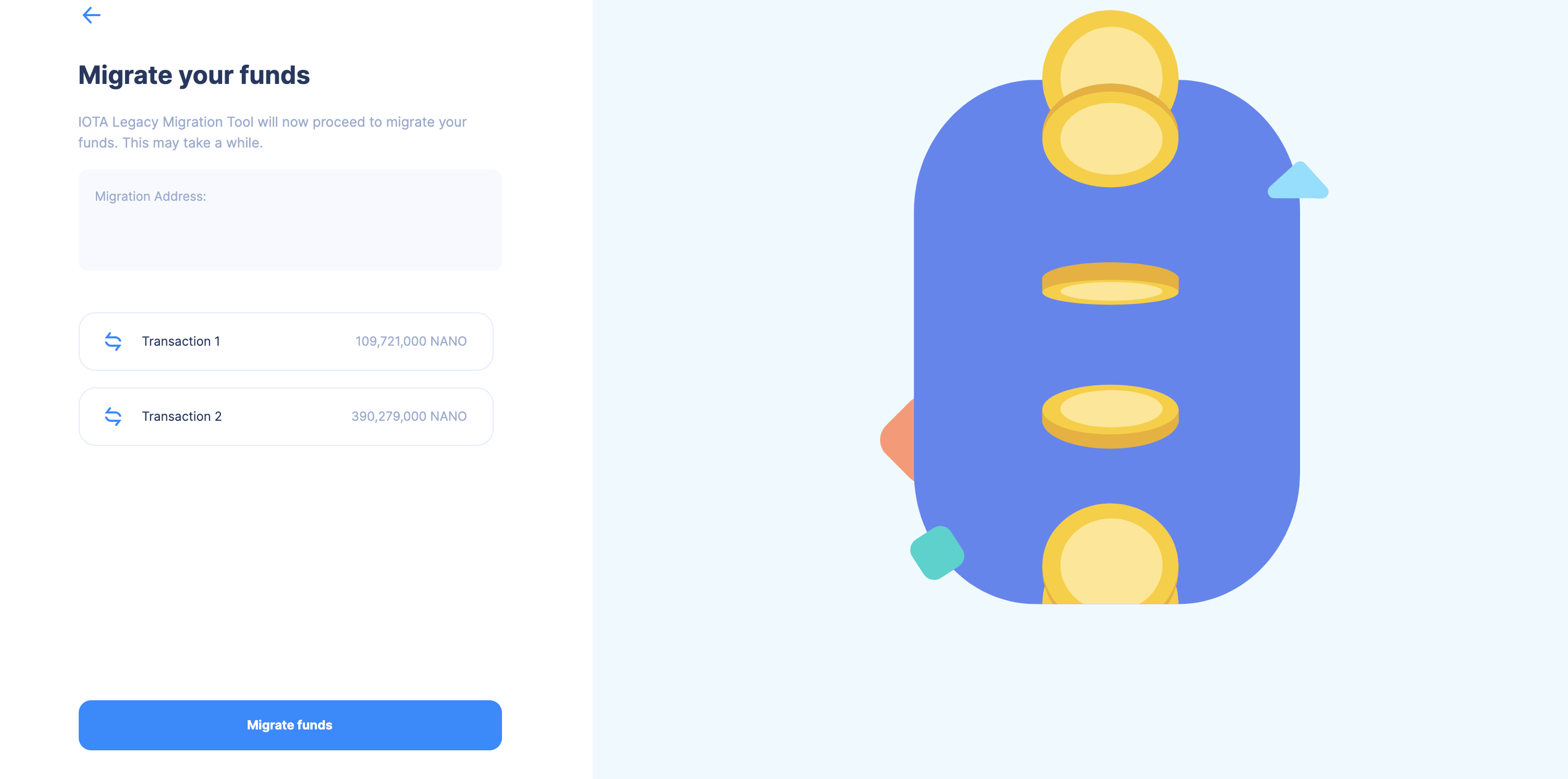
On the next screen, you can monitor the progress of each individual transaction.
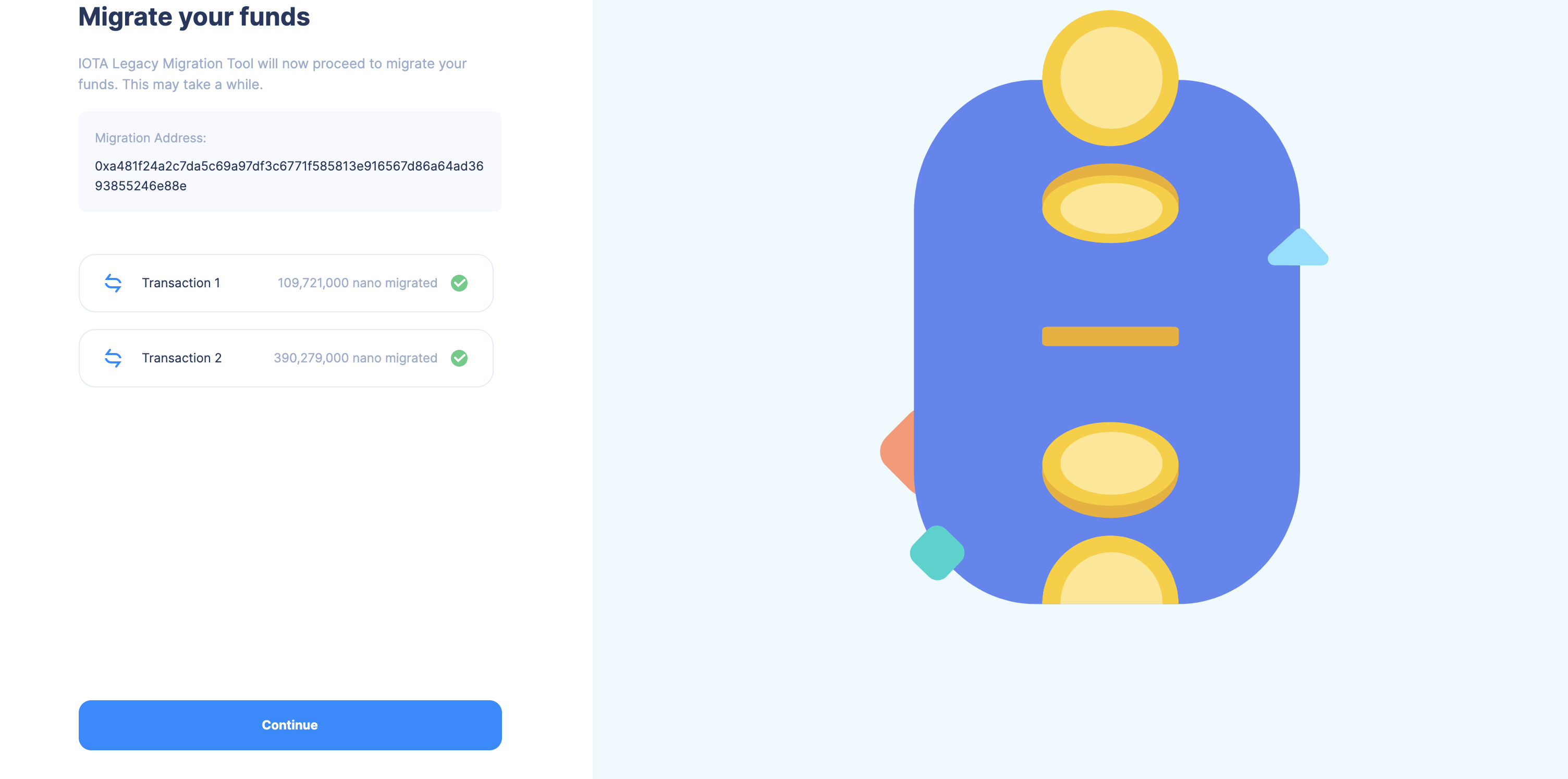
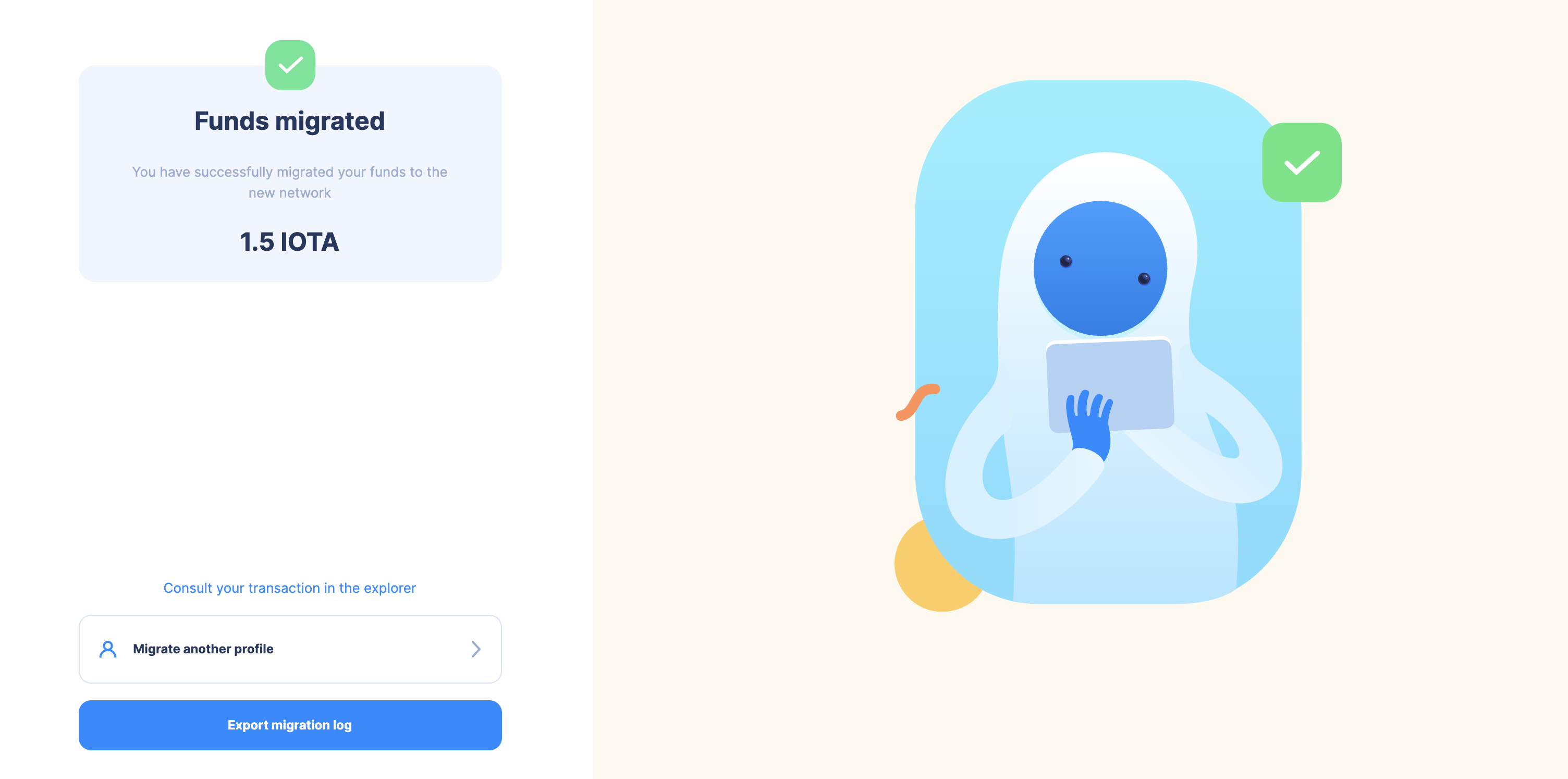
- Your funds should now be migrated and you can export the logs or check the transaction on the Explorer.